The Reporting Hub
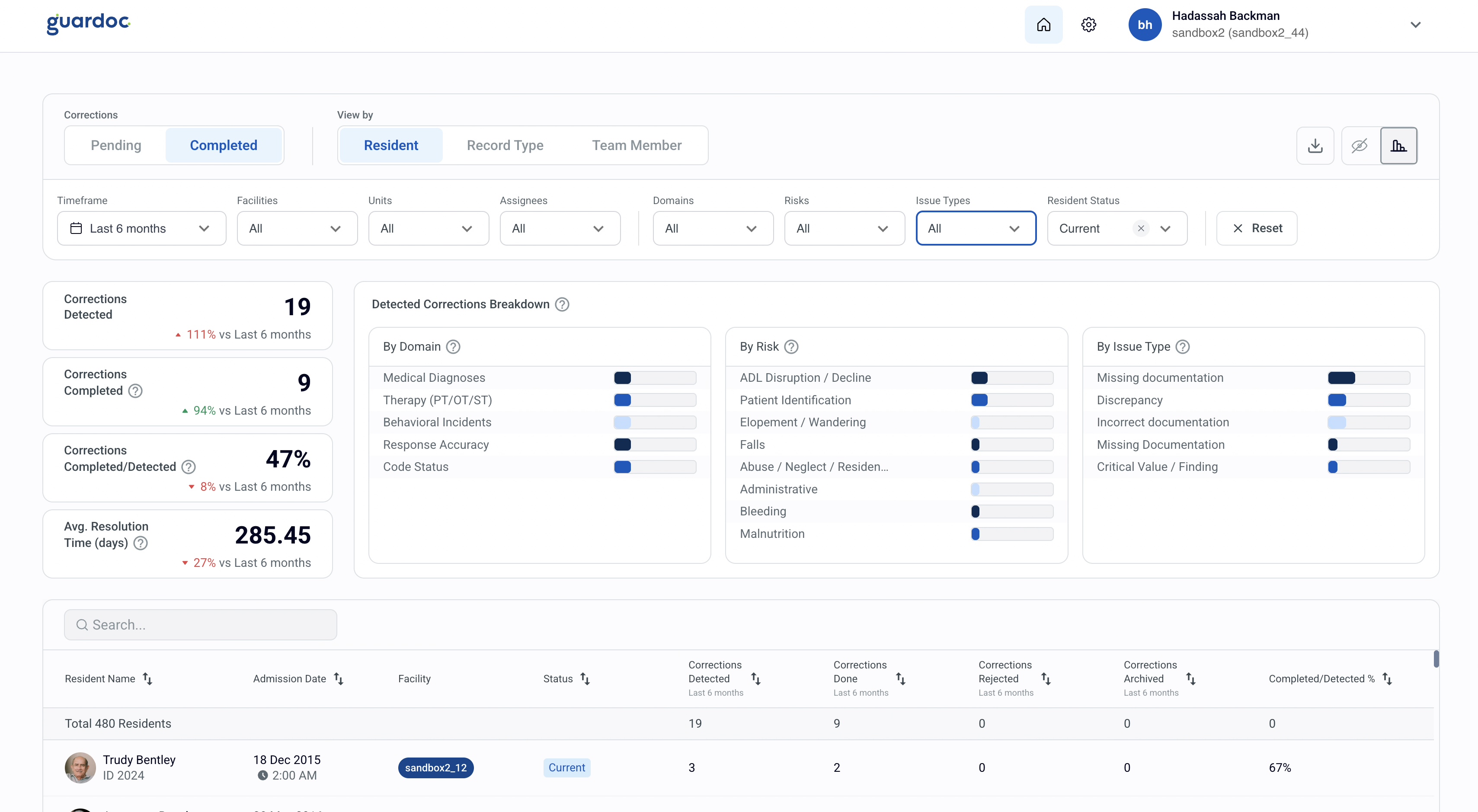
The strategic tool for DONs, administrators, and leadership. Track every correction, monitor compliance trends, and drill into analytics.
See Trends Over Time
Track correction volumes, resolution rates, and compliance posture week over week. Spot improvement - or regression - early.
Measure Team Impact
See which staff members resolve the most corrections, who needs support, and how response times vary across shifts.
Standardize Quality Across Locations
Compare facilities side by side. Identify which buildings lead and which lag - then replicate what works.
Deep Filtering
Slice by resident, team member, record type, timeframe, and correction status.
Full Configuration
Audit coverage, assignment logic, review times, and notification preferences - per facility.
Risk Exposure
Estimated CMP and regulatory exposure flagged per correction and domain.
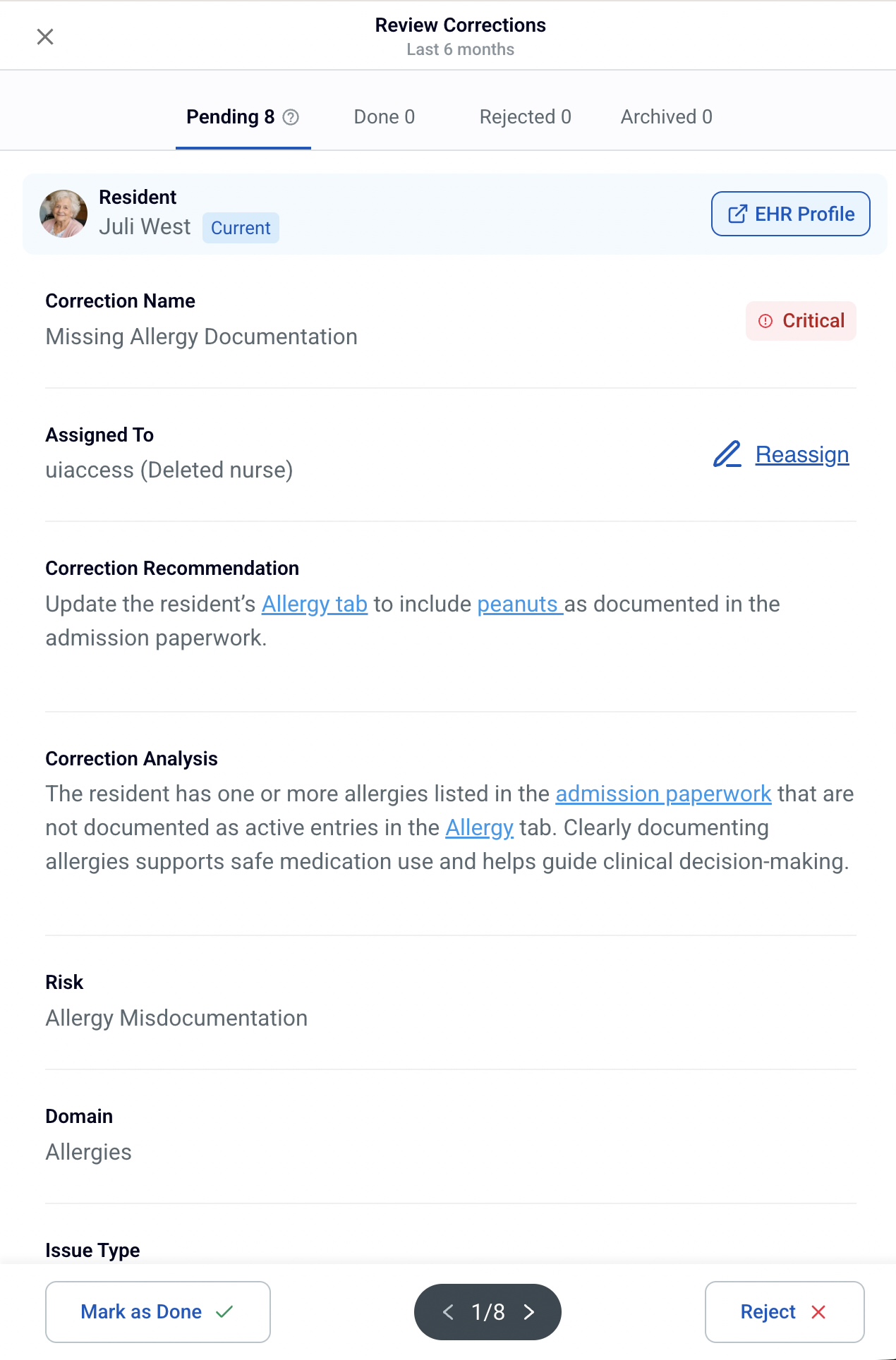
Every Correction,
Full Context
Click into any correction to see the complete picture: AI-generated recommendation, clinical analysis with linked source records, issue classification, and estimated regulatory exposure.
- Status tabs - Pending, Done, Rejected, Archived
- Estimated exposure - CMP & regulatory risk per correction
- AI analysis with deep links to source progress notes
- One-click Reopen for corrections that need revisiting
Measurable Behavior Change
Facilities using Guardoc see audit findings drop as nursing teams internalize better documentation habits. Here's what we see after implementation.
Medication Errors
-48%Skin Breakdown
-63%Fall Risk
-30%Behavior Disturbance
-35%Audit findings before and after Guardoc implementation. Based on customer data across multiple clinical domains.
Full Facility Settings Control
A centralized control center that gives Facility and Group Admins direct control over workflows, audit coverage, assignment logic, and more, configured per facility from Settings → Facilities.
General Settings
Set the facility name, address, timezone, and IT contact. Accurate timezone and location data keeps all correction timestamps, notifications, and shift-based workflows aligned with your local operating hours.
Workflow Preferences
Control how corrections are routed and handled. Set a default assignee, enable triage routing so corrections are screened before distribution, choose in-app notification preferences, and define expected review times so overdue corrections are flagged automatically.
Audit Coverage
Turn individual audit checks on or off per facility. Mark specific domains as priority to focus your team's attention where it matters most. Copy coverage settings across locations in one click.
Assignment Logic
Define rules for how corrections reach the right person automatically. Route by record type, clinical domain, assessment creator, or resident unit location. Combine methods and set fallback rules so every correction lands with the right staff member without manual triage.
Assessment Scheduler
Monitor MDS Assessment Reference Dates proactively. Configure which assessment forms must be completed for each ARD trigger - Admission, Quarterly, Significant Change, Discharge. Alerts assigned staff before deadlines are missed, keeping your compliance record clean.
Tips & Best Practices
Get the most out of your Guardoc configuration.
Team Setup
- Assign permission levels accurately. Not everyone needs Group Admin access. Keep it restricted to those with organization-wide oversight.
- Set a Primary Facility for every user so they land in the right building immediately upon login.
- Use Assignable Facilities to make sure staff only see corrections for the buildings where they actually work.
- Run a quick monthly check of unit/room assignments to keep location-based routing accurate.
Workflow Hacks
- Keep your team in the loop with in-app notifications. Nurses get alerted about new and overdue corrections directly inside the EHR overlay.
- For high-volume buildings, turn on Triage Routing - let a manager "air traffic control" the corrections so floor staff doesn't get overwhelmed.
- Set review time expectations based on your facility's actual clinical pace. Realistic goals get met; aspirational ones get ignored.
Strategic Auditing
- Don't mark every audit as "Priority." If everything is a priority, nothing is. Be selective to keep the team focused.
- Review your Audit Coverage every 90 days. As your QAPI goals shift, Guardoc should shift with you.
- Use the Assessment Scheduler for MDS ARDs first - it's your best defense against late submissions and payment denials.
Questions or feedback? Reach out at support@guardoc.health
See the Dashboard in action
Walk through the analytics, filters, and settings in a 30-minute demo.
Get a Demo